
Why we built Stax Tools
300+ free online tools that all run in your browser. Here's why we built Stax and how it's different from the other tool sites.

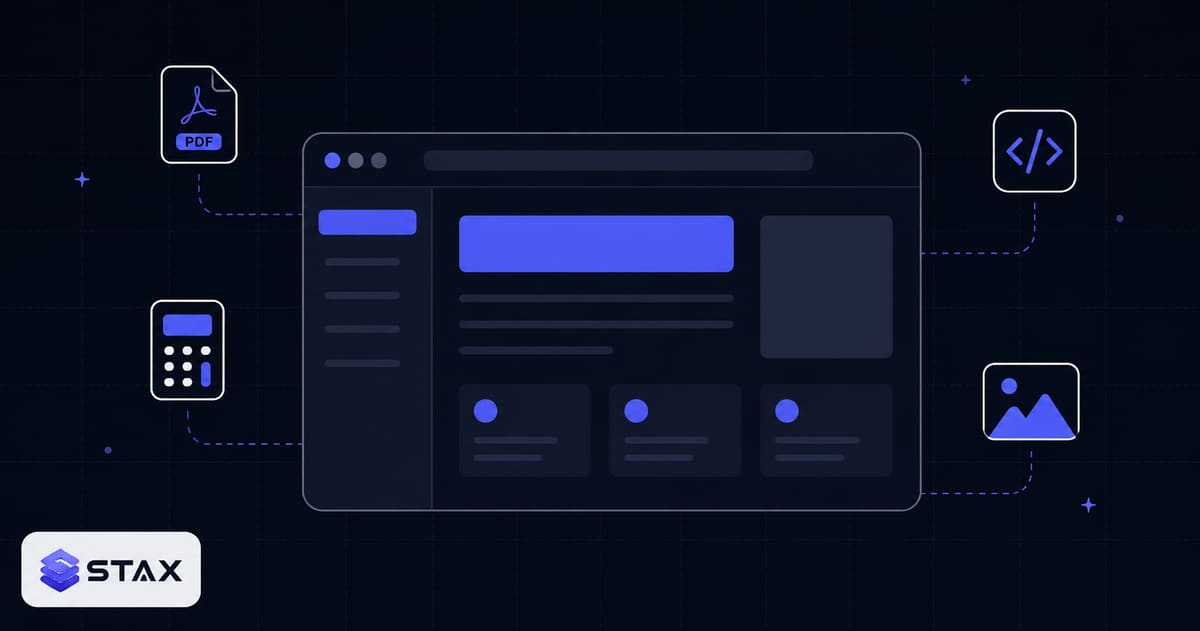
If you've ever pasted a JSON blob into a random "JSON formatter" website, paused for a second, and wondered "is this thing storing what I just pasted?" — that's the question Stax was built to answer.
The answer, for everything we ship, is no. Your data never leaves your device. There is no server in the loop. Every tool on stax.tools runs entirely in your browser using JavaScript and Web APIs.
This post is about why that matters, why most tool sites get it wrong, and what we're trying to do differently with 300+ free tools that all share the same constraint.
The accidental data lake problem
Most online "free tool" sites work like this:
- You paste your data into a form.
- The form posts it to a backend.
- The backend processes the data and returns a result.
- The site shows you the result.
That's the obvious architecture. It's also the architecture that turns every "free PDF compressor" into a tiny private-data lake. The operator may have the best intentions — they may even promise not to log anything — but the data is still travelling across the public internet, getting decrypted at their backend, sitting in their RAM, and possibly bouncing off intermediate proxies before being deleted.
For most use cases, that's fine. People paste throwaway data into throwaway tools and nobody cares.
For the use cases we care about — formatting JSON that contains an API key, compressing a PDF of your tax return, decoding a JWT that authorises your bank account, calculating an EMI on a loan you haven't signed yet — that's not fine. The "delete it after 1 hour" promise is unverifiable, the third-party AWS bucket might be misconfigured, and the operator might get acquired tomorrow.
What "client-side" actually means
Browsers are very capable computers now. They can:
- Parse and validate JSON faster than any server can ship a response.
- Compress PNGs and PDFs with WebAssembly modules running locally.
- Generate cryptographic hashes (SHA-256, MD5) using SubtleCrypto.
- Run regex engines, format SQL, lint code — all without a server round trip.
- Read and write files using the File System Access API.
For almost every tool we ship, there is no advantage to a server — and several disadvantages: latency, privacy risk, hosting cost, downtime exposure. So we just don't have one. Every tool's "backend" is your browser.
When you paste 50 KB of JSON into our formatter, the formatting happens on your laptop's CPU. When you compress a 10 MB image, your browser's own image encoder does it. The network requests Chrome's DevTools shows during these operations? The page's own files plus requests from analytics and advertising scripts (the privacy page lists them), and none of them carries your input. You can verify this yourself in a minute by filtering the Network tab for POST requests.
Why we shipped 300+ of them
Most "privacy-first" tool sites ship two or three flagship utilities. We wanted to see if you could run a comprehensive toolkit — the kind people normally bookmark across 30 different domains — under a single roof, all client-side, all free.
The catalog now spans:
- Developer tools — JSON, regex, hashing, encoding, CSS, color, cron, JWT, SQL, HTML, image and PDF processing (our developer tools for beginners primer is a good starting point if any of that is new to you).
- Finance calculators for India — EMI, SIP, GST, take-home salary, PPF, NPS, HRA, retirement (see the 17 new finance calculators we shipped in one release).
- Health calculators — BMI, body fat, calorie, macro, pregnancy due date.
- Engineering calculators — beam, concrete, rebar, brick, ohm's law, resistor color code.
- Creator tools — YouTube earnings, thumbnail downloader, hashtag generators.
- Career tools — resume builder, invoice generator, email signatures.
- AI helpers — prompt builder, token counter, system prompt builder.
Every category, every tool, same rule: runs in your browser, no signup, no server. For a fuller comparison against paying for a stack of separate SaaS subscriptions, see Stax vs. SaaS tools.
What we changed about the standard playbook
Three deliberate departures from how typical online-tool sites work:
1. No "freemium" lock screens. Some operators show a tool, let you generate a result, and then put a paywall in front of the download button. We don't. Every tool's full output is free, every time, no email capture.
2. No tracking of inputs. GA4, Microsoft Clarity and a small first-party visit counter record anonymous usage stats — pageviews, clicks, scroll depth — but never the contents of your forms, files, or text. Our consent banner gates these analytics by default for EU users via Google Consent Mode v2.
3. A language switcher. The site can be switched to Hindi, Spanish, French, Arabic, Japanese or Thai, for example /hi/json-formatter. Translation coverage is partial: the menus and many tool descriptions are translated, but a lot of tool text is still in English, and search engines are not asked to index those versions yet.
The tools that were hardest to build client-side
Some tools required significant engineering to run entirely without a server. Here are three that pushed the limits of what browsers can do.
PDF processing was the first real challenge. PDF is a complex binary format, and the JavaScript library ecosystem for it (pdf-lib, PDF.js) is impressive but not complete. Operations like merging large PDFs, handling password-encrypted files, or resampling embedded images require careful memory management to avoid crashes in low-RAM browser environments. We spent more time on PDF tools than on any other category.
Image compression meant working within the browser's own encoders and its memory limits. We use the native Canvas API for JPEG and WebP output, which is hardware-accelerated on modern devices. Hitting an exact size in KB meant re-encoding the image several times to find the highest quality that fits, and shrinking its dimensions when quality alone is not enough. (The video tools are different: they run FFmpeg compiled to WebAssembly.)
The finance calculators for India required getting the maths right — not just building the UI. EMI calculations with different interest compounding methods, PPF with annual compounding but monthly contributions, NPS with tier-1 and tier-2 accounts, income tax with the new regime's slabs and the old regime's deductions — each has nuances that popular calculator sites get wrong. We cross-referenced against government publications and verified against chartered accountant inputs.
Why the India finance category matters most
India has one of the fastest-growing populations of first-time investors. SIPs, PPF, NPS, ELSS — these are genuinely complex products. The people who use these calculators are often making real financial decisions: whether to switch tax regimes, how much to invest monthly to reach a retirement corpus, whether to prepay a home loan or invest the surplus.
Getting these numbers wrong isn't just an accuracy failure — it's a trust failure. We check every Indian tax and finance calculator against the official SEBI, RBI, and income tax department guidelines at the time of publication, and update them when rules change (new tax slabs, revised PPF rates, NPS changes).
If you use our Income Tax Calculator, EMI Calculator, or PPF Calculator and find an error, the contact page email goes directly to the founder — not a support queue.
The privacy architecture in practice
The client-side constraint forces a specific technical architecture that is worth understanding if you're a developer.
Every tool is a React component that receives user input, processes it entirely within the component using browser APIs and JavaScript, and renders output. There is no fetch() or XMLHttpRequest call in any tool component (except the AI features, which are clearly labelled). The state management is local (React state or useReducer), with no central backend state.
The site is statically generated with Next.js. Every tool page is a pre-rendered HTML file. When you visit /json-formatter, you receive a complete HTML document — no server-rendered dynamic content. The JavaScript that runs the tool is loaded as a static asset from our CDN.
What we're learning from building this
A few things have surprised us along the way.
The India-language audience is underserved by privacy tools. Providing Hindi, and eventually more Indian regional languages, isn't just a localisation feature — it's about making the privacy conversation accessible to people who don't primarily read English.
Calculator accuracy matters more than UI elegance. Tools with minor inaccuracies generate much more negative feedback than tools with plain-looking interfaces. Users can spot a wrong EMI calculation instantly because they're comparing against their bank statement.
What's coming next
The 300+ tools are the foundation. These are ideas we are weighing, none of them promised and none with a date:
- An optional paid tier — ergonomics such as saved tool history, favourites and a dark theme, never functionality. The free tools stay free.
- A browser extension — open any tool from your address bar, drop files directly into the right tool.
- Open-sourcing the core utilities — the small WebAssembly modules and TypeScript libraries that power the tools may belong on GitHub.
If any of that sounds interesting, the About page has more, and you can always reach us via the contact page.
— Built in 2026, in Ahmedabad.
Harshil
Developer & Founder, stax.tools
Harshil is the developer behind stax.tools, building privacy-first tools that run entirely in your browser.
More by Harshil →Tools mentioned in this article
- Income Tax Calculator
Calculate India income tax for FY 2026-27 (same slabs as FY 2025-26) under New or Old Regime with slab breakdown.
- EMI Calculator
Calculate monthly EMI, total interest, and full amortization schedule.
- PPF Calculator
Calculate PPF maturity amount and year-by-year balance at 7.1% with EEE tax benefit.
- GST Calculator
Add or remove GST from any amount. Supports all Indian GST slabs with CGST/SGST split.
Related reading
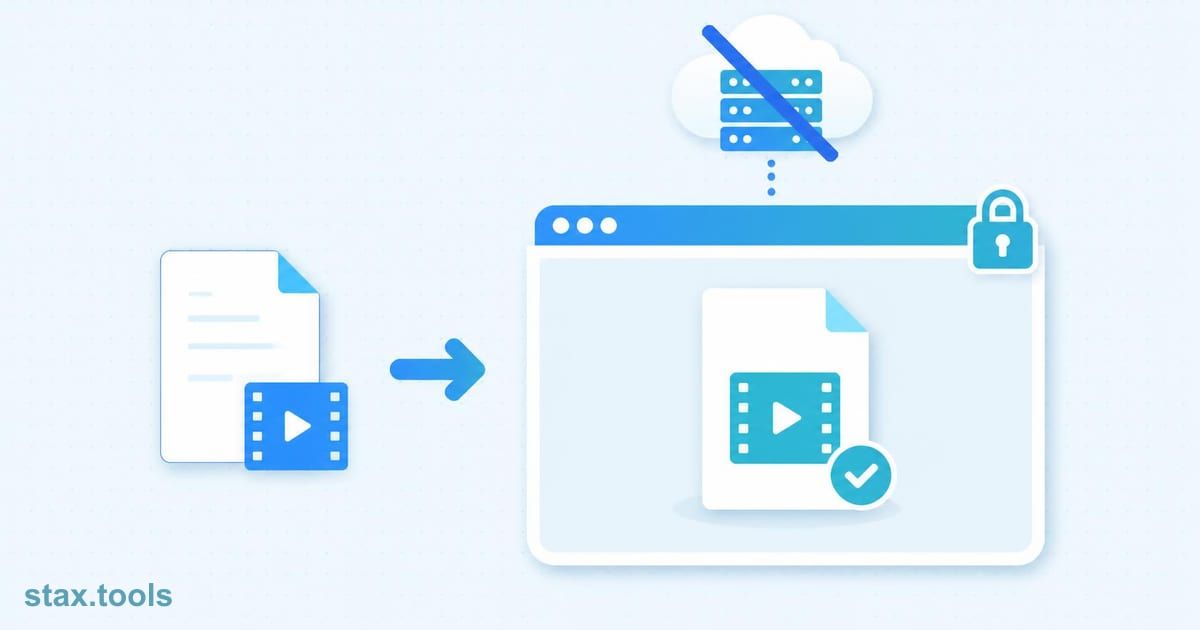 Does an Online Tool Upload Your File? A 2-Minute TestDoes an online tool upload your file? Use the browser's Network tab and an offline test to check any video, PDF or image tool in two minutes.6 min read
 Compress a Video Without Uploading It (2026 Guide)Compress video without uploading it: shrink a video by 50–80% for WhatsApp, email or the web, right in your browser. Step-by-step guide with presets.7 min read
 How to Generate a Strong Password (and Skip Memorizing)How to create a strong password: how entropy works, why 'P@ssw0rd' loses to 'correct-horse-battery-staple', and using a private in-browser generator.11 min read
 Convert Images to WebP Without Uploading: Complete GuideConvert images to WebP in your browser: files are 25–35% smaller than JPG at the same quality, with no upload or account. Plus when WebP is the wrong choice.9 min read
Found this useful?
Browse 300+ free privacy-first tools — no login, no uploads, instant results.