
URL Encoding Explained: Why Your Links Break and How Percent-Encoding Fixes Them
What percent-encoding actually is, which characters must be encoded in a URL and why, the difference between encodeURI and encodeURIComponent in JavaScript, and common bugs it causes in production.

This article is currently only available in English. A ภาษาไทย translation is coming soon.
You paste a URL into a browser. It works. You embed the same URL in a query string parameter. It breaks. You spend 20 minutes wondering why a working link suddenly 404s — until you realise the problem is a space, an ampersand, or an accented character that means something different to the HTTP parser than it does to you.
This is a URL encoding problem. It affects every developer who builds links programmatically, processes form submissions, or works with APIs that accept URLs as parameters.
Why URLs can only contain a restricted character set
The URL specification (RFC 3986) defines a strict set of characters that are allowed in a URL without encoding:
- Unreserved characters (always safe):
A–Z a–z 0–9 - _ . ~ - Reserved characters (have special meaning in URLs):
: / ? # [ ] @ ! $ & ' ( ) * + , ; =
Every other character — spaces, accented letters, emoji, CJK characters, angle brackets, pipes — must be percent-encoded before appearing in a URL.
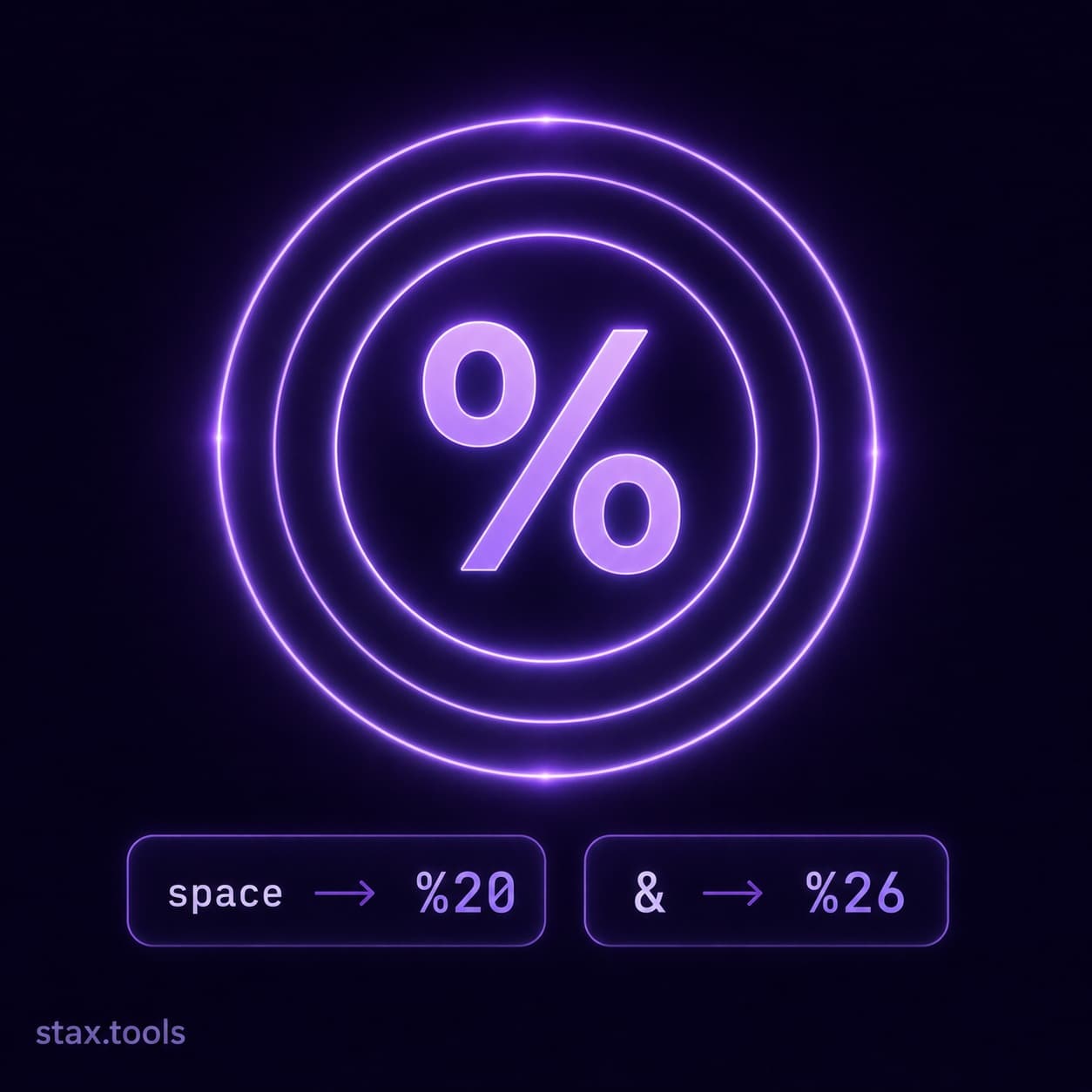
Percent-encoding replaces each byte of the character's UTF-8 representation with % followed by two uppercase hex digits. A space becomes %20. An é (U+00E9) is encoded in UTF-8 as the bytes 0xC3 0xA9, so it becomes %C3%A9. A # in a query string parameter becomes %23 — because unencoded, it would be interpreted as the fragment identifier.
The production bug that URL encoding causes
Here is the scenario. Your application builds a redirect URL:
const searchTerm = "noise & vibration safety";
const url = `https://stax.tools/search?q=${searchTerm}`;
// Produces: https://stax.tools/search?q=noise & vibration safety
The & in the search term prematurely ends the q parameter and starts what the parser treats as a second parameter named vibration safety. Your server receives q=noise (with a trailing space), not q=noise & vibration safety. The space itself may be treated as + or left as-is depending on the server.
The fix:
const url = `https://stax.tools/search?q=${encodeURIComponent(searchTerm)}`;
// Produces: https://stax.tools/search?q=noise%20%26%20vibration%20safety
This is the most common URL encoding bug in production systems. It appears in redirect URLs, OAuth state parameters, email confirmation links, deep links, and any place where user-provided text becomes part of a URL.
Encode and decode any string instantly at the Stax URL Encoder.
encodeURI vs encodeURIComponent: the difference that matters
JavaScript provides two encoding functions and they do very different things.
| Function | What it encodes | What it leaves alone | Use case |
|---|---|---|---|
encodeURI |
Everything except unreserved + reserved characters | : / ? # [ ] @ ! $ & ' ( ) * + , ; = |
Encoding a complete URL |
encodeURIComponent |
Everything except unreserved characters | A–Z a–z 0–9 - _ . ~ |
Encoding a single query parameter value |
The distinction matters because reserved characters like &, =, +, and # have structural meaning in URLs. encodeURI leaves them unencoded so the URL structure stays intact. encodeURIComponent encodes them, which is what you need when those characters appear as values rather than URL structure.
Rule of thumb: Always use encodeURIComponent when constructing individual query parameter values. Use encodeURI only when encoding a full URL that you've already constructed correctly.
// Wrong: encodeURI doesn't encode & and =
encodeURI("key=value&other=thing")
// → "key=value&other=thing"  (unchanged — still breaks)

// Right: encodeURIComponent encodes & and =
encodeURIComponent("key=value&other=thing")
// → "key%3Dvalue%26other%3Dthing"  (safe as a parameter value)
The + vs %20 confusion
HTML form submissions encode spaces as + (plus sign) rather than %20. This is application/x-www-form-urlencoded format, which predates RFC 3986 and behaves differently.
When a browser submits a form with method="GET", spaces become +. When JavaScript encodes a string with encodeURIComponent, spaces become %20.
Most web frameworks decode both correctly. But if you're building a URL manually and passing it to a system that uses strict RFC 3986 parsing, use %20 — it's unambiguous. If you're building a query string for an HTML form action, + is expected.
| Encoding | Space representation | Standard |
|---|---|---|
encodeURIComponent |
%20 |
RFC 3986 |
| HTML form (GET) | + |
HTML spec / application/x-www-form-urlencoded |
encodeURIComponent + replace |
+ |
Common convention for query strings |
Path segments vs query strings: different rules
The slash / in a URL path is a structural delimiter. If a file name or resource ID contains a /, it must be encoded as %2F in the path segment — otherwise the server interprets it as a directory separator.
GET /files/report/Q1 2026.pdf       ← broken (unencoded space)
GET /files/report/Q1%202026.pdf     ← correct
GET /files/folder/subfolder/file    ← server sees three path segments
GET /files/folder%2Fsubfolder/file  ← server sees two path segments
Some servers (including AWS S3 and some proxies) refuse %2F in path segments by default and require additional configuration. This is a known compatibility issue when object keys contain slashes.
Decoding: when not to double-decode
If you receive a URL-encoded string from a user or external system and then encode it again before storing or forwarding it, you get double-encoding: %20 becomes %2520 (the % itself gets encoded to %25). Subsequent decoding gives you %20 as a literal string, not a space.
Always decode before re-encoding if you're transforming a value. Never call encodeURIComponent on a string that might already be encoded.
// Safe decode-then-encode pattern
const raw = decodeURIComponent(potentiallyEncoded);
const safe = encodeURIComponent(raw);
International domain names (IDN) and Punycode
Domain names have their own encoding system separate from percent-encoding. The domain münchen.de cannot appear literally in a URL — it must be converted to its Punycode representation: xn--mnchen-3ya.de. This is handled automatically by browsers and most HTTP libraries, but if you're processing domains programmatically, be aware that .toASCII() (in the URL API) or a Punycode library is required for non-ASCII hostnames.
The URL API in modern browsers handles this correctly:
new URL("https://münchen.de/path").hostname
// → "xn--mnchen-3ya.de"
Quick reference: commonly encoded characters
| Character | Encoded | Why it must be encoded in query strings |
|---|---|---|
| Space | %20 |
Delimiter in many contexts |
& |
%26 |
Query string parameter separator |
= |
%3D |
Key-value separator |
+ |
%2B |
Alternative space in form encoding |
# |
%23 |
Fragment identifier |
% |
%25 |
Encoding escape character |
/ |
%2F |
Path delimiter |
? |
%3F |
Query string start |
@ |
%40 |
User info delimiter |
: |
%3A |
Scheme/port delimiter |
Use the Stax URL Encoder / Decoder to encode, decode, and inspect any string in real time.
By Harshil Shah, developer and founder at Stax Tools. Encoding rules verified against RFC 3986 and the WHATWG URL Standard.
Sources & methodology
- RFC 3986 — Uniform Resource Identifier (URI): Generic Syntax, IETF, January 2005
- WHATWG URL Standard — url.spec.whatwg.org (living standard)
- HTML Living Standard — forms section, html.spec.whatwg.org
Harshil
Developer & Founder, stax.tools
Harshil is the developer behind stax.tools, building privacy-first tools that run entirely in your browser.
More by Harshil →Found this useful?
Browse 235+ free privacy-first tools — no login, no uploads, instant results.