
10 Browser-Based Alternatives to Cloud Tools That Don't Upload Your Data
Every tool on this list runs entirely in your browser. No uploads, no server processing, no account required. Your files and data stay on your device.

This article is currently only available in English. A ภาษาไทย translation is coming soon.
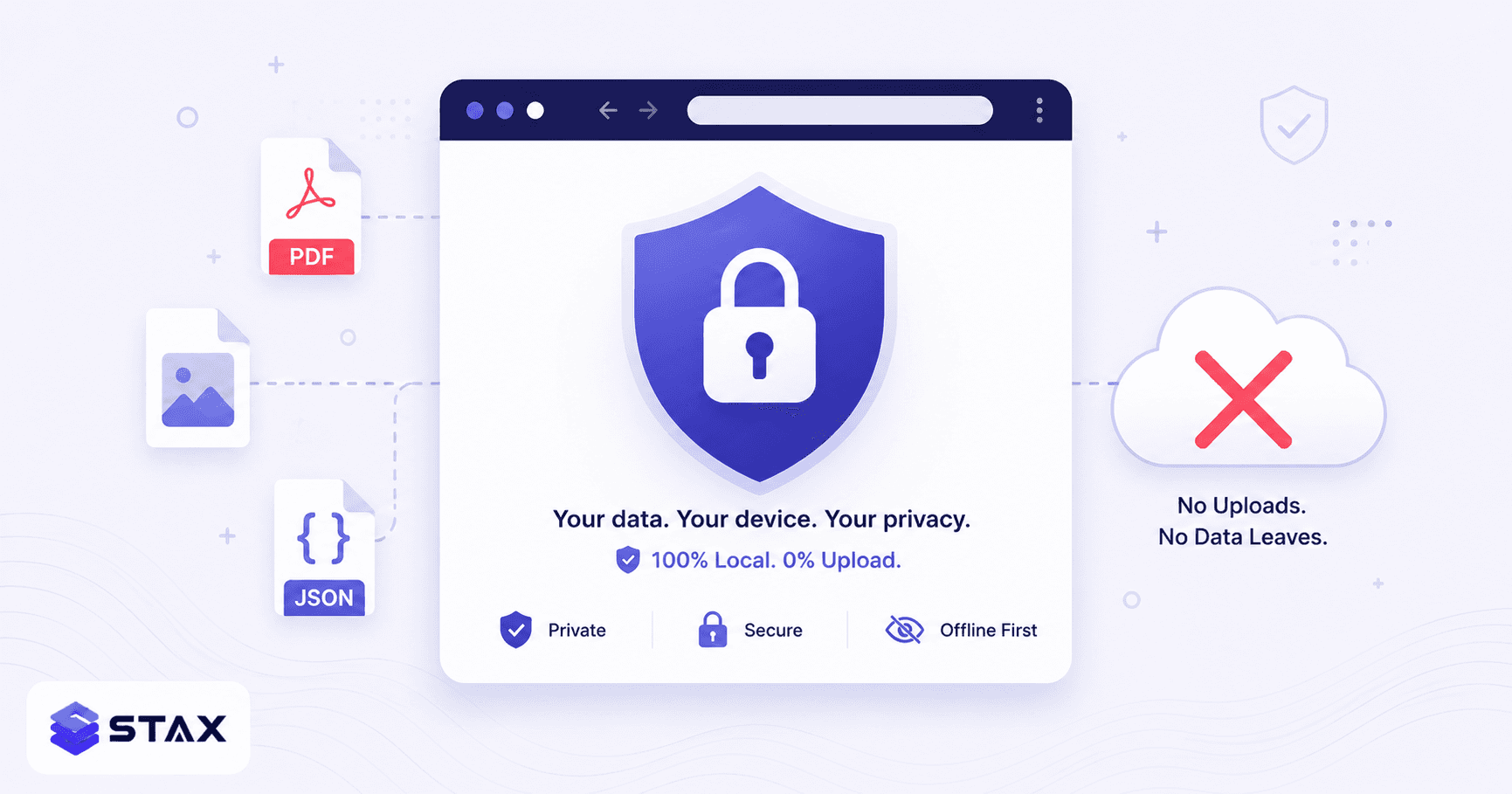
Most popular online tools follow the same model: you upload a file, their server processes it, you download the result. For random images or public documents, that's a reasonable trade-off. For anything sensitive — contracts, source code, financial records, medical documents, API keys in JSON files — the upload is an unnecessary risk.
Browser technology has caught up. WebAssembly lets C/C++ libraries (the same ones powering server-side tools) run locally in your browser tab. Web Workers keep the UI responsive during heavy processing. The Canvas API handles image operations. PDF-lib and PDF.js manage PDF manipulation. The result: a class of tools that do everything client-side, with no server involved at all.
Here are 10 categories where browser-based tools are now as capable as their cloud counterparts — with links to free, upload-free alternatives.
1. PDF Compression → Stax PDF Compressor
Cloud tools upload your file to: iLovePDF, Smallpdf, Adobe Acrobat Online
What Stax does instead: Uses PDF-lib's object stream compression, cross-reference table restructuring, and metadata removal — all in WebAssembly. Results: 10–40% size reduction for typical PDFs, zero bytes uploaded.
Best for: Contracts, financial PDFs, confidential reports. Not for: Maximum compression of image-heavy PDFs (server-side Ghostscript can be more aggressive).
2. Image Compression → Stax Image Compressor
Cloud tools upload your file to: TinyPNG, Squoosh (uses a server for some formats), Compressor.io
What Stax does instead: Runs mozjpeg-style compression for JPG and oxipng algorithms for PNG using WebAssembly. Supports batch drag-and-drop. WebP encoding included.
Best for: Product images, design mockups, screenshots with UI elements. The compression quality is within 3–5% of TinyPNG for typical images.
3. JSON Formatting & Validation → Stax JSON Formatter
Cloud tools upload your data to: JSONLint (sends to server for validation), some online formatters POST to APIs
What Stax does instead: Runs JSON parsing and formatting entirely in a Web Worker (off the main thread, so the UI stays responsive). Tree view, minify, and format modes. Handles files up to 50 MB.
Best for: JSON containing API keys, customer records, internal configuration. The data literally never leaves your browser tab.
4. Image Format Conversion → Stax Image Format Converter
Cloud tools upload your file to: Convertio, CloudConvert, online-convert.com
What Stax does instead: Uses the HTML5 Canvas API and File API to convert between JPG, PNG, and WebP entirely client-side. Conversion is instant — no round-trip to a server.
5. QR Code Generation → Stax QR Code Generator
Cloud tools send your URL to: Many QR generators log the URL you encode, sometimes for analytics or "dynamic QR" tracking features.
What Stax does instead: Generates QR codes using the qrcode.js library in-browser. Your URL is never transmitted. Download as PNG or SVG.
Best for: Internal URLs, private customer links, or any URL you don't want logged.
6. Password Generation → Stax Password Generator
Cloud tools generate passwords via: Server-side RNG — meaning the password travels over the network and was generated on a machine you don't control.
What Stax does instead: Uses window.crypto.getRandomValues() — the browser's cryptographically secure RNG. The password is generated locally and never transmitted. This is the correct way to generate passwords in a browser.
7. Hash Generation (SHA-256, MD5…) → Stax Hash Generator
Cloud tools send your data to: Online hash checkers that POST your input to a server for hashing.
What Stax does instead: Uses the Web Crypto API (crypto.subtle.digest) — a native browser API for SHA-1, SHA-256, SHA-384, SHA-512. MD5 runs via a pure-JS implementation. Your input stays local.
Best for: Verifying file integrity, hashing sensitive strings without transmitting them.
8. Base64 Encoding/Decoding → Stax Base64 Encoder
Cloud tools send your data to: Various online encoders that POST your input
What Stax does instead: Uses btoa() / atob() — built-in browser functions. This is a zero-dependency, purely local operation. For file-to-Base64 (image embedding in CSS or HTML), uses the FileReader API.
9. PDF Merging → Stax PDF Merger
Cloud tools upload your files to: iLovePDF, Smallpdf, PDF Merge (all server-side)
What Stax does instead: PDF-lib's copyPages() function reads both PDFs into ArrayBuffers in browser memory and writes a merged output. No server contact. Drag to reorder pages before merging.
10. Regex Testing → Stax Regex Tester
Cloud tools send your data to: Regex101 sends your pattern and test string to their server for evaluation (though they have an opt-out for data storage).
What Stax does instead: Uses JavaScript's native RegExp — which runs in your browser's JS engine. Your patterns and test strings stay local. Supports PCRE-style flags (global, multiline, case-insensitive, dotAll).
How to verify a tool is actually client-side
Before trusting any tool's "no upload" claim, verify it yourself:
- Open DevTools → Network tab (F12 → Network)
- Clear the log
- Perform the operation (format JSON, compress PDF, etc.)
- Filter for XHR / Fetch requests
- If no requests appear with your file data, the tool is genuinely client-side
This takes 30 seconds and gives you certainty rather than relying on a privacy policy. Network-tab auditing is also a useful habit when evaluating any new developer tool before integrating it into a workflow that handles sensitive data.
Privacy policy red flags in online tools
Even when you verify a tool sends no network requests during the operation, check one more thing: the privacy policy. Common red flags:
- "We may retain uploaded files for up to 30 days" — standard language at iLovePDF and Smallpdf. Your file is stored even after you download the result.
- "Files are used to improve our service" — training-data language. Your confidential contract could become a data point in a model.
- "Third-party processors" — many online tools route your file through external OCR or compression services, meaning it passes through infrastructure you never consented to.
- No privacy policy at all — common with smaller tools. No policy means no commitment.
Browser-based tools sidestep all of this: there's nothing to retain, nothing to process externally, and nothing to train a model with — because the file never leaves your device. The Network tab check described above confirms this empirically, regardless of what the privacy policy says.
The trade-off
Browser-based tools aren't universally better. Server-side tools win on:
- Maximum compression (server Ghostscript can achieve higher ratios than browser PDF-lib)
- Format breadth (converting PDF to Word, video transcoding, OCR on scanned documents)
- Speed on very large files (server CPU isn't rate-limited by browser sandboxing)
For sensitive data, the privacy benefit of client-side processing outweighs these trade-offs. For non-sensitive public content where maximum output quality matters, cloud tools are still the right choice.
All tools in this list are free and available at stax.tools — no signup, no login.
5 more categories where browser tools are catching up
The original list covers the most common use cases. Here are five more categories where client-side processing has recently become practical.
11. SQL Formatting → Stax SQL Formatter
Cloud tools send your SQL to: SQL Formatter Pro, Instant SQL Formatter, and several database-specific online tools
What Stax does instead: Parses and reformats SQL using a JavaScript SQL parser running in your browser. Supports MySQL, PostgreSQL, SQLite, SQL Server, and BigQuery syntax. Your table names, schema details, and query logic — including WHERE clause data — stay local.
Best for: Production SQL with sensitive table names, PII filters, or internal schema structure. Never paste database queries containing real data (even in WHERE clauses) into tools that POST to a server.
12. CSS Code Generation → Stax CSS Generators
CSS gradient generators, box shadow generators, and flexbox playgrounds that "preview live" often do so entirely in-browser because CSS computation is inherently a browser function. These are safe by default — the CSS property values you type are client-side DOM manipulation, not server requests.
13. JWT Decoding → Stax JWT Decoder
JWTs (JSON Web Tokens) are base64-encoded structures. Decoding them reveals claims — user IDs, roles, expiry times, scopes. Some JWT tools send the token to a server for "verification" (which requires the secret key anyway and is useless without it). Client-side decoding is both faster and privacy-preserving.
14. Diff Checking → Stax Diff Checker
Text comparison tools that diff code, config files, or documents traditionally ran server-side. Modern diff libraries (diff.js, jsdiff) run entirely in the browser at full speed for files up to several MB. Your source code and document content stays local.
15. Timestamp and Date Conversion → Stax Timestamp Converter
Unix timestamp conversion, timezone conversion, and date arithmetic are pure computation — no server needed, ever. Yet many date/time tools are server-rendered unnecessarily. Client-side is correct for all of these.
Building your own privacy-safe tool stack
If you're a developer building internal tools for your team, the same WebAssembly stack that powers these browser tools is available in Node.js for server-side use where needed. The browser-first approach makes sense for user-facing tools; server-side is appropriate for batch processing pipelines, automation, and tasks requiring persistent storage.
For a comprehensive audit of which tools in your current workflow upload data unnecessarily, a quick Network-tab scan during each operation is the most reliable method. Most surprises come from tools that claim to be client-side but quietly POST data for analytics or "improvement" purposes.
The full catalog of 235+ client-side tools is at stax.tools — browser-based, no signup, no upload required.
Frequently asked questions
Are client-side tools slower than server-side tools? For most operations under 50 MB — formatting, hashing, compression, conversion — the difference is imperceptible. Modern browser JavaScript engines and WebAssembly run at near-native speeds. For very large files (200 MB+), server-side tools have a hardware advantage because servers have more RAM and dedicated CPUs. But for everyday file sizes, client-side is typically as fast or faster because it skips the upload round-trip entirely — processing starts the moment you select your file.
What if I'm on a slow internet connection? Client-side tools are ideal for slow connections. You download the tool's JavaScript once (cached by your browser after the first visit), and every subsequent operation runs locally — no upload, no download of processed files, just local computation. A slow connection makes cloud tools painful and client-side tools completely unaffected.
Is WebAssembly safe to run in my browser? WebAssembly runs in the same sandboxed environment as JavaScript — it cannot access your filesystem, network, or system beyond what the browser explicitly permits. A WebAssembly PDF library can only touch what you explicitly hand it via the File API. It has no more system access than any other browser tab. The sandbox is enforced by the browser itself, not the tool developer — which is why it's trustworthy regardless of who wrote the underlying library.
Harshil
Developer & Founder, stax.tools
Harshil is the developer behind stax.tools, building privacy-first tools that run entirely in your browser.
More by Harshil →Found this useful?
Browse 235+ free privacy-first tools — no login, no uploads, instant results.