
Diff Checker: What It Is, How It Works, and 6 Use Cases Beyond Code Review
A side-by-side comparison of diff algorithms, how unified and split diff formats work, why character-level diffs matter for text editing, and practical use cases for diff checkers outside of version control.

This article is currently only available in English. A العربية translation is coming soon.
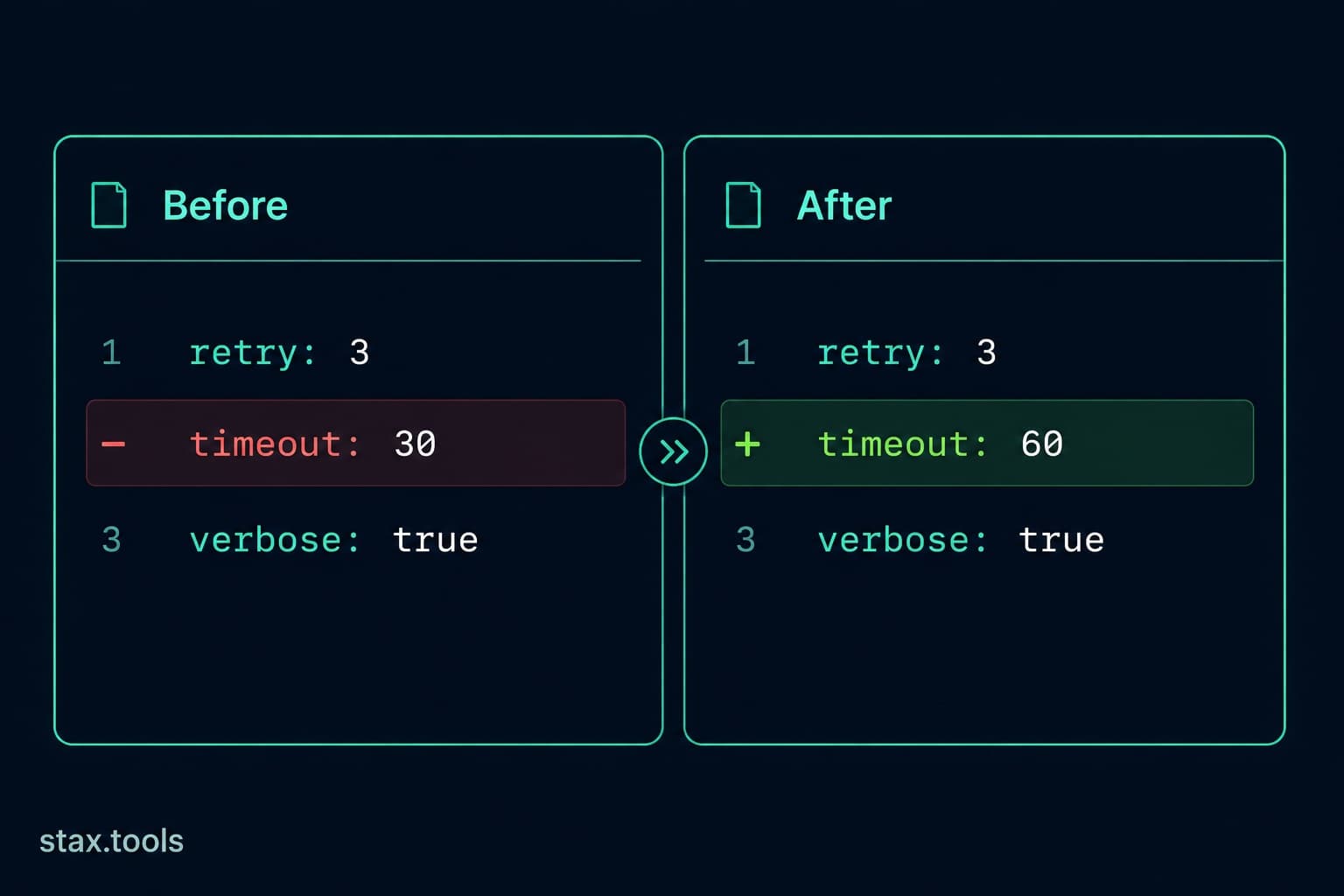
Most developers know diff from Git. You run git diff, you see red and green lines, you understand what changed. What fewer developers know is how diff actually works, why the output looks the way it does, and how many genuinely useful tasks a diff checker solves outside of version control.
The quick comparison: diff output formats
Before the mechanics, here is the same change shown in three common diff formats:
| Format | Used by | Readability | Supports context lines |
|---|---|---|---|
| Unified diff | Git, diff -u, patch files |
High | ✅ (default 3 lines) |
| Split diff | GitHub PR view, most visual tools | Highest | ✅ |
| Context diff | Legacy diff -c |
Medium | ✅ |
| Ed script | diff -e |
Low (machine use) | ❌ |
| Character diff | Word processors, prose tools | High for text | ✅ |
The unified diff is the standard format for patches and most CLI tools. The split diff (two panes side by side) is what most web-based diff tools and code review interfaces use. For comparing written text where words matter more than lines, character-level diff highlights individual word and character changes rather than entire line replacements.
Compare any two texts at the Stax Diff Checker.
How diff algorithms actually work
The core problem diff solves is: given two sequences A and B, find the smallest set of insertions and deletions that transforms A into B. This is the Longest Common Subsequence (LCS) problem.
Myers algorithm (1986) — the default in Git
Eugene Myers' algorithm finds the shortest edit script — the minimum number of single-character insertions and deletions needed to transform one text into another. It is O(ND) where N is the sum of lengths and D is the size of the shortest edit. For files with small diffs (most commits), D is small and the algorithm is very fast.
Git uses Myers by default. It produces output that minimises the number of changed lines but can sometimes produce counterintuitive results for moved blocks.
Patience diff — better for code
Patience diff (invented by Bram Cohen, used by Mercurial and available in Git with --diff-algorithm=patience) works differently: it first finds unique lines that appear exactly once in both files and uses them as anchors. The diff is then computed between those anchor points.
For code, patience diff produces more human-readable output because function signatures and closing braces (which appear uniquely in context) become stable anchors. It prevents the common Myers output failure where a deleted function and an added function with similar structure get merged into a confusing interleaved diff.
git diff --diff-algorithm=patience HEAD~1
Histogram diff — patience improved
Histogram diff (used by Git's --diff-algorithm=histogram) improves on patience by allowing low-frequency (not necessarily unique) lines as anchors. It handles repeated boilerplate better than patience. GitHub and GitLab use histogram as their default in newer versions.
Reading a unified diff
--- a/config.json
+++ b/config.json
@@ -12,7 +12,8 @@
   "server": {
-    "port": 3000,
+    "port": 8080,
+    "timeout": 30,
     "host": "localhost"
   }
---is the original file (a-side);+++is the new file (b-side)@@ -12,7 +12,8 @@is the hunk header: the change starts at line 12 in the original (showing 7 lines) and line 12 in the new file (showing 8 lines)- Lines starting with
-were removed - Lines starting with
+were added - Lines with no prefix are context lines (unchanged, shown for orientation)
The numbers in the hunk header: -12,7 means "in the original file, this hunk starts at line 12 and covers 7 lines." +12,8 means "in the new file, it starts at line 12 and covers 8 lines" — one more because we added a line.
6 use cases beyond code review
1. Contract and legal document comparison
When a contract is revised, the changes are what matter — not the full document. Pasting the old and new contract text into a diff checker immediately highlights every addition, deletion, and substitution. This takes 30 seconds and produces a clearer change summary than manually reading both versions.
2. Config file auditing
Server configuration files (nginx.conf, httpd.conf, docker-compose.yml) often drift between environments. Diffing production config against staging reveals undocumented changes that could explain environment-specific bugs.
3. Comparing API responses
When an API endpoint's response changes between versions or environments, diffing the JSON output (after formatting it with the Stax JSON Formatter for consistent indentation) immediately shows which fields were added, removed, or changed. Essential for debugging integration failures.
4. Checking translated content
When a source string is updated, the translator needs to know exactly what changed. Diffing the original English against the updated English version gives a precise change brief — far more useful than "please re-translate this paragraph."
5. Academic and content plagiarism checking
Diffing a student submission against a reference source, or a blog post against similar published content, immediately surfaces copied passages. A high similarity score combined with a diff view makes the case clearer than percentage matches alone.
6. Database schema migration review
Before running a schema migration, diffing the old DDL (CREATE TABLE statements) against the new reveals every column addition, type change, index modification, and constraint update in a single view — without needing to parse a migration script mentally.
Character diff vs line diff: when each is right
Line diff (the default in most tools) marks an entire line as changed if a single character on it differs. For code, this is correct — lines are the meaningful unit.
For prose, a line diff is too coarse. If you change "the quick brown fox" to "the fast brown fox", a line diff marks the entire sentence as changed. A character (or word) diff marks only "quick → fast" as the change.
Character-level diff is the right choice when:
- Comparing written content, documentation, or translated text
- Reviewing minor edits to a long paragraph
- Checking if a sentence was paraphrased or only lightly edited
The Stax Diff Checker supports both line and character diff modes — switch based on whether you're comparing code or text.
The ignore-whitespace flag
Whitespace changes (indentation reformatting, trailing spaces, mixed tabs/spaces) create large noisy diffs that obscure real changes. Most diff tools provide whitespace-ignore options:
git diff -w                    # ignore all whitespace
git diff --ignore-space-change # ignore changed amount of whitespace
git diff --ignore-blank-lines  # ignore blank line additions/deletions
In a web diff tool: enable "ignore whitespace" before comparing files that have been through an auto-formatter. A Prettier or Black reformatting commit should be reviewed with whitespace ignored — otherwise every touched file appears fully rewritten.
Generating and applying patches
A unified diff output is also a patch file — it can be applied to a file to reproduce the changes without the full new version.
# Generate a patch
diff -u original.txt modified.txt > changes.patch

# Apply the patch
patch original.txt < changes.patch
Git uses this internally for git apply, git am (applying patches from email), and git cherry-pick. When contributing to open-source projects that don't use GitHub, patches sent via email (the Linux kernel workflow) are unified diff files.
Quick reference: diff command flags
| Flag | Effect |
|---|---|
-u |
Unified format (most common) |
-c |
Context format |
-y |
Side-by-side (split) view |
-w |
Ignore all whitespace |
-i |
Case-insensitive |
-r |
Recursive (compare directories) |
--stat |
Summary only (lines added/removed per file) |
-B |
Ignore blank line changes |
By Harshil Shah, developer and founder at Stax Tools. Algorithm descriptions based on Myers (1986) original paper and the Git source documentation.
Sources & methodology
- Myers, E.W. (1986) — "An O(ND) Difference Algorithm and Its Variations", Algorithmica 1(2)
- Git Documentation — git-diff diff algorithm options, git-scm.com/docs/git-diff
- Bram Cohen — Patience Diff (2006), bramcohen.livejournal.com/73318.html
Harshil
Developer & Founder, stax.tools
Harshil is the developer behind stax.tools, building privacy-first tools that run entirely in your browser.
More by Harshil →Found this useful?
Browse 235+ free privacy-first tools — no login, no uploads, instant results.