
Developer Tools for Beginners: 12 Browser-Based Utilities You'll Use Every Day
You don't need to install anything to use these developer tools. They run in your browser, handle the tasks you'd otherwise Google, and work on any device.

This article is currently only available in English. A العربية translation is coming soon.
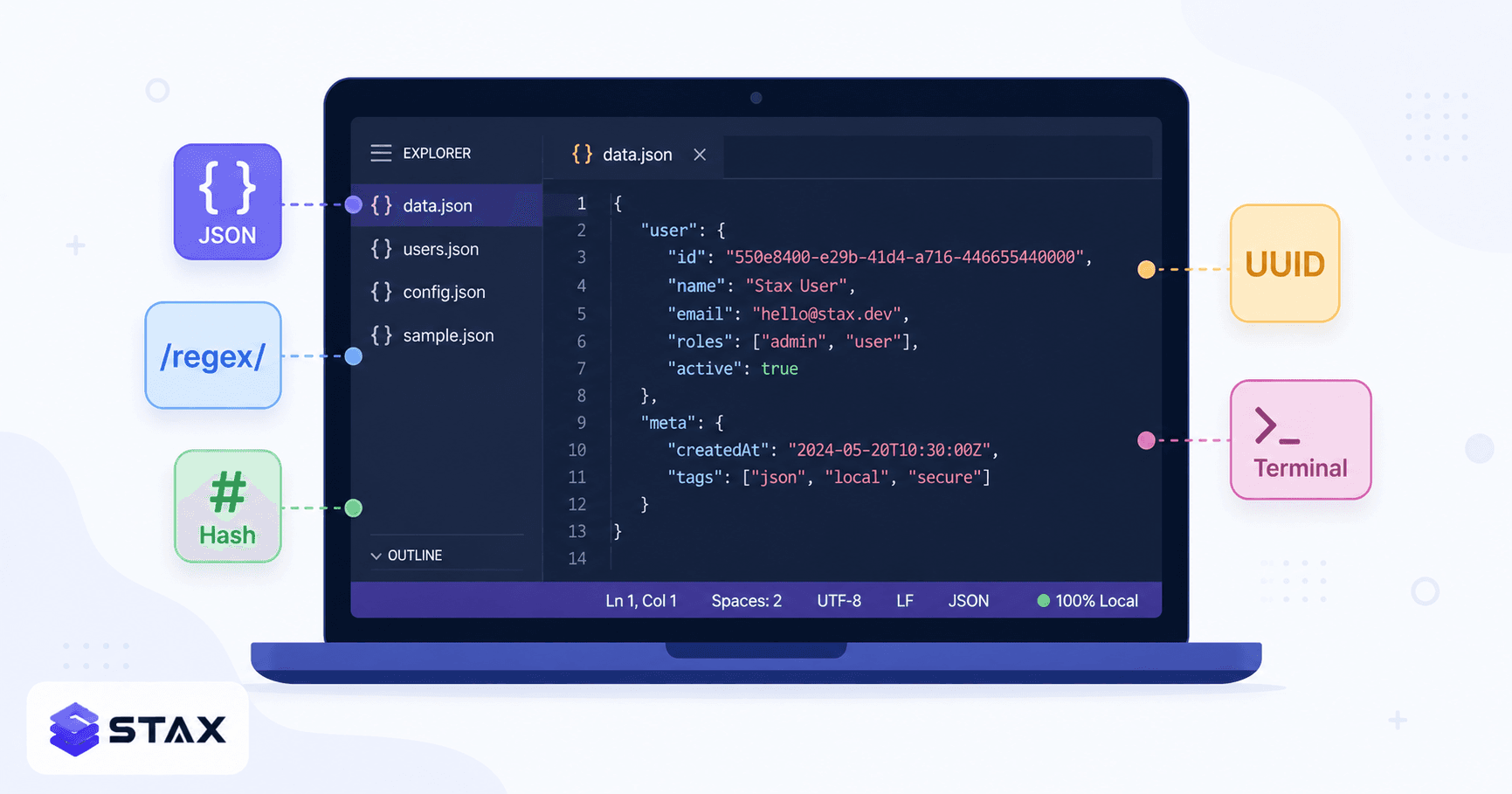
When you're learning to code, a huge amount of time gets lost to small frictions: formatting messy JSON before you can read it, figuring out what a Base64-encoded string actually says, testing a regex pattern by trial and error, or converting a Unix timestamp to a human-readable date.
These are solved problems. There are free, browser-based tools for all of them. Here's the list of the ones you'll actually reach for, with a quick explanation of what they do and when you need them.
No installation. No signup. Everything runs in your browser.
1. JSON Formatter → stax.tools/json-formatter
What it does: Takes minified or messy JSON and reformats it with proper indentation. Also validates it — you'll immediately see if there's a syntax error (missing comma, trailing comma, mismatched brackets).
When you need it: Any time an API returns a wall of JSON in one line. Also useful before committing JSON config files to Git — formatted JSON is much easier to diff and review.
Try it: Paste this and hit Format:
{"name":"Alice","age":30,"address":{"city":"Mumbai","zip":"400001"}}
2. Base64 Encoder/Decoder → stax.tools/base64-encoder
What it does: Converts text or files to/from Base64 encoding. Also does URL-safe Base64 (uses -_ instead of +/).
When you need it:
- Decoding tokens and API keys (JWTs include Base64-encoded payloads)
- Reading email attachments in raw MIME format
- Embedding images in HTML/CSS (
src="data:image/png;base64,...") - Encoding credentials for HTTP Basic Auth headers
Quick decode: The string SGVsbG8gV29ybGQ= decodes to Hello World.
3. JWT Decoder → stax.tools/jwt-decoder
What it does: Splits a JSON Web Token into its three parts (header, payload, signature), Base64-decodes the header and payload, and displays them as readable JSON. It does NOT verify the signature — for that you need the secret key server-side.
When you need it: Debugging authentication issues. When a request fails with a 401, paste the JWT from your Authorization header into the decoder to check: Is the exp timestamp in the past? Is the sub the right user ID? Does the aud match?
Note: Never paste production JWTs into random online tools. This tool is client-side — the token stays in your browser — but make it a habit to use local tools for auth tokens.
4. Regex Tester → stax.tools/regex-tester
What it does: Tests a regular expression against test strings, highlights all matches in real time, shows capture groups, and lets you toggle flags (global, case-insensitive, multiline, dotAll).
When you need it: Writing validation patterns (email, phone numbers, postcodes), parsing log files, search-and-replace in code editors. Regex is one of those skills where interactive feedback is worth 10x more than reading documentation.
Start with this pattern: /\b\d{4}-\d{2}-\d{2}\b/g — matches ISO dates like 2026-05-07. Test it against a log file excerpt.
5. Hash Generator → stax.tools/hash-generator
What it does: Generates SHA-1, SHA-256, SHA-384, SHA-512, and MD5 hashes of text or files.
When you need it:
- Verifying file integrity (compare hash of downloaded file to the one on the release page)
- Understanding how password hashing works (paste a password, see the SHA-256 output — notice how changing one character produces a completely different hash)
- Generating checksums for API request signing
SHA-256 is the modern standard. MD5 and SHA-1 are cryptographically broken — don't use them for security, but they're still used for checksums in legacy systems.
6. URL Encoder/Decoder → stax.tools/url-encoder
What it does: Encodes special characters to their %XX percent-encoded form and decodes them back.
When you need it: Building query strings manually (?q=hello%20world), debugging URL-encoded form submissions, decoding URLs that arrive as opaque strings in logs.
Common encoded characters: Space = %20, & = %26, = = %3D, / = %2F, + = %2B.
7. Timestamp Converter → stax.tools/timestamp-converter
What it does: Converts Unix timestamps (seconds or milliseconds since Jan 1, 1970) to human-readable dates in any timezone, and vice versa.
When you need it: Every backend system logs events as Unix timestamps. When you see 1746662400 in a database or log file, this tool instantly tells you it's May 8, 2026 00:00:00 UTC.
8. UUID Generator → stax.tools/uuid-generator
What it does: Generates RFC 4122-compliant UUIDs (v4, random). Generates single or bulk batches.
When you need it: Creating test data, seeding databases, generating unique IDs for API tests when your backend expects a UUID in the request body.
9. Text Case Converter → stax.tools/text-case-converter
What it does: Converts text between UPPER CASE, lower case, Title Case, camelCase, PascalCase, snake_case, kebab-case, and CONSTANT_CASE.
When you need it: Renaming variables when switching between languages (Python uses snake_case, JavaScript uses camelCase), formatting identifiers, generating CSS class names from display labels.
10. Number Base Converter → stax.tools/number-base-converter
What it does: Converts numbers between binary (base 2), octal (base 8), decimal (base 10), and hexadecimal (base 16).
When you need it: Reading memory addresses in debuggers (hex), understanding bitmasking and flags (binary), working with colour codes (hex), reading permission values in Unix (chmod 755 → binary 111 101 101).
11. Diff Checker → stax.tools/diff-checker
What it does: Shows the line-by-line difference between two blocks of text, highlighting additions, deletions, and changes.
When you need it: Comparing two versions of a config file, spotting what changed between two API responses, reviewing text changes before a commit.
12. CSS Box Shadow Generator → stax.tools/css-box-shadow-generator
What it does: Visual editor for CSS box-shadow — adjust offset, blur, spread, colour, inset, and see the live preview. Copies the ready-to-use CSS.
When you need it: Any time you want to add a shadow to an element without memorising the box-shadow: h-offset v-offset blur spread color syntax order.
Building good habits early
A few patterns worth establishing now:
Use client-side tools for sensitive data. Anything with API keys, tokens, passwords, or personal information should go into tools that don't upload — all the tools above qualify.
Bookmark what you use. These aren't one-time-lookups. You'll format JSON daily, decode Base64 every week, test a regex whenever you write validation logic.
Read the DevTools network tab. When a request fails, the browser's Network tab shows you the exact request that went out and the exact response that came back. This skill is worth investing in early.
Keep a snippets file. When you solve something with a regex or figure out the right curl command, write it down. Future you will thank you.
All 12 tools are free at stax.tools — no login, no signup, works on your phone.
6 more tools for when you level up
Once you're past the basics, these tools solve the next tier of daily problems.
13. Cron Expression Builder → stax.tools/cron-expression-builder
Cron syntax (* * * * *) is notoriously hard to read and even harder to write correctly. The cron expression builder lets you pick a schedule in plain language ("every Monday at 9 AM", "every 15 minutes on weekdays") and generates the correct cron expression — or paste an existing expression and see it translated to plain English.
When you need it: Setting up scheduled tasks in Linux, AWS EventBridge, GitHub Actions cron triggers, Kubernetes CronJobs, or any system using cron scheduling.
14. IP Subnet Calculator → stax.tools/ip-subnet-calculator
Subnetting is one of those topics that sounds harder than it is once you have a visual calculator. Paste any IP/CIDR notation and the calculator shows you: the network address, broadcast address, first and last usable host IPs, subnet mask, number of hosts, and whether a given IP is in the subnet.
When you need it: Configuring VPC networks in AWS/GCP/Azure, writing firewall rules with CIDR blocks, troubleshooting network connectivity, setting up home or office networks.
15. JWT Decoder + Headers Analysis
JWTs have three parts: header (algorithm and token type), payload (claims), and signature. The header matters more than most beginners realize — an alg: none JWT is a security red flag indicating the token is unsigned. An alg: RS256 token should be verified against a public key, not a shared secret. Understanding what's in the header is the first step in debugging authentication issues securely.
16. Diff Checker for config files
Configuration drift — when the version of a config file in production silently diverges from what's in the repository — is a common source of "it works on my machine" bugs. The diff checker is useful not just for comparing text blocks, but for pasting the output of cat /etc/nginx/nginx.conf against your committed version to instantly see what changed.
17. Color Contrast Checker → stax.tools/color-contrast-checker
If you're building UI, understanding accessibility from the start saves significant rework later. WCAG 2.1 AA (the standard most companies require) mandates a minimum 4.5:1 contrast ratio for normal text and 3:1 for large text. The contrast checker takes two colours (hex, RGB, or HSL) and instantly tells you the ratio and which WCAG levels the combination passes.
When you need it: Choosing button colours, text-on-background combinations, form label colours. Getting this right early prevents accessibility audit failures and design system revisions later.
18. Lorem Ipsum Generator → stax.tools/lorem-ipsum-generator
Placeholder text for UI mockups and template development. The generator lets you specify words, sentences, or paragraphs, and optionally start with the traditional "Lorem ipsum dolor sit amet" opening or use fully randomised Latin-ish text. Useful for building layouts without waiting for real content.
Developer workflow patterns that scale
Bookmark your tools by category. Group them in your browser: "Dev Tools" folder with JSON formatter, JWT decoder, regex tester, diff checker. "Network" folder with IP calculator, URL encoder, cron builder. The fewer clicks between a problem and the tool that solves it, the more likely you are to use the tool.
Use client-side tools for sensitive data — always. This is worth repeating. When you're working with production JWTs, API keys in JSON configs, or database connection strings that appear in logs, verify that the tool you're using doesn't POST your data to a server. The 30-second Network tab check described in the JSON formatter tool is the correct habit to build.
Combine tools in sequence. Real debugging often requires chaining tools: paste a Base64 string into the decoder → the output is a JWT → paste that into the JWT decoder → the expiry timestamp is in the past → paste the timestamp into the timestamp converter → confirmed it expired 3 hours ago. Tools that load fast and have a clean copy button make this chain frictionless.
Write the tool you use most often. When you find yourself reaching for a particular tool multiple times a day, consider building your own version in your language of choice. The act of building a JSON formatter from scratch — JSON.stringify(JSON.parse(input), null, 2) — teaches you more about JSON than reading any documentation.
Harshil
Developer & Founder, stax.tools
Harshil is the developer behind stax.tools, building privacy-first tools that run entirely in your browser.
More by Harshil →Found this useful?
Browse 235+ free privacy-first tools — no login, no uploads, instant results.