
Base64 encoding explained: what it is, when to use it, and when not to
Base64 turns binary data into text so it can travel safely through text-only channels. Here's how it works, where it's used, and the mistakes developers commonly make with it.

This article is currently only available in English. A العربية translation is coming soon.
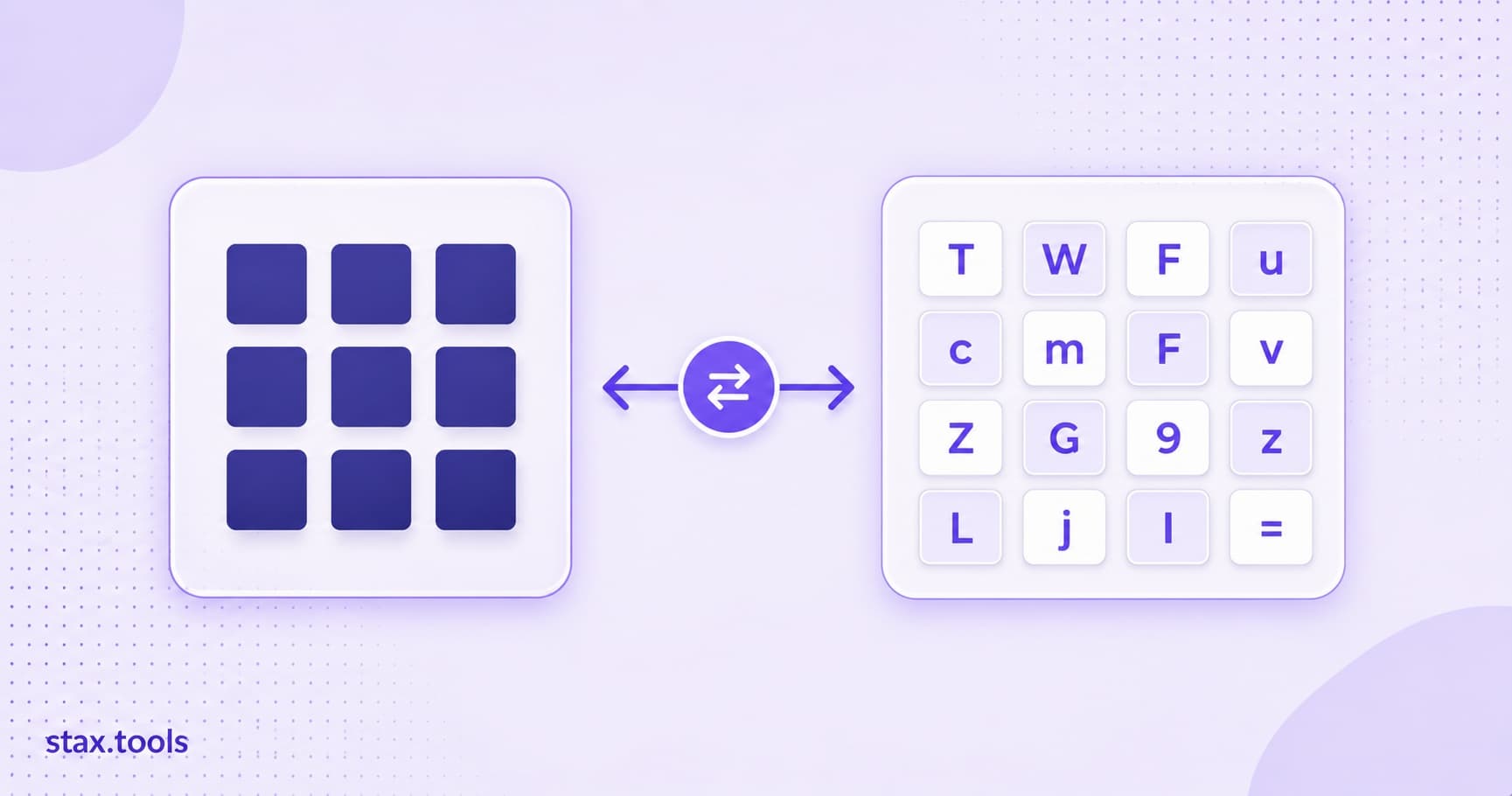
Base64 is one of those encodings that appears everywhere once you start noticing it — embedded images in HTML emails, JWT tokens, HTTP Basic Auth headers, binary data in JSON API payloads, and SSL certificate files. It's also one of the most misunderstood, mainly because developers sometimes confuse encoding with encryption. They have nothing to do with each other.
This guide explains exactly what Base64 does, why it exists, how the encoding works mathematically, where it belongs in your code, and where it doesn't. By the end, you'll understand every context where you encounter Base64 — and know immediately when to use it versus when someone reached for the wrong tool.
The problem Base64 solves
Computers store everything as binary — sequences of bytes, where each byte is a value from 0 to 255. Most transport protocols and data interchange formats were designed for text. SMTP (email), older HTTP implementations, JSON, XML, and CSV all assume the data being transported is valid text in a defined encoding.
When you try to embed arbitrary binary data — a PNG image, a compiled binary, a PDF — into a text-based format, you run into problems:
- Byte value
0(null) terminates strings in many C-based systems - Bytes
10(newline) and13(carriage return) break line-based protocols like SMTP - Bytes above 127 are interpreted differently depending on the assumed text encoding — what's valid UTF-8 isn't valid ISO-8859-1, and vice versa
- Control characters (bytes 1–31) may be interpreted as formatting instructions by some systems
Base64 sidesteps all of this by converting any binary data into a string containing only 64 safe, printable ASCII characters: A–Z, a–z, 0–9, +, /, and = for padding. Every byte value that exists in your binary input gets mapped to one of these 64 characters. The result is a string that travels safely through any text-based channel, regardless of what the original bytes were.
How Base64 encoding works
Base64 takes input bytes in groups of 3 (24 bits) and converts each group into 4 characters (6 bits per character). Since 2^6 = 64, each 6-bit chunk maps cleanly to one of the 64 characters in the Base64 alphabet.
Let's trace the encoding of the ASCII string "Man":
Character:    M         a         n
ASCII value:  77        97        110
Binary:       01001101  01100001  01101110

24 bits combined: 010011 010110 000101 101110
                  ↓      ↓      ↓      ↓
6-bit values:     19     22     5      46
Base64 chars:     T      W      F      u
"Man" → "TWFu"
The full Base64 alphabet (by index):
- 0–25:
A–Z - 26–51:
a–z - 52–61:
0–9 - 62:
+ - 63:
/ - Padding:
=
Handling inputs that aren't divisible by 3
If the input length isn't divisible by 3, padding is added:
| Remaining bytes | Extra Base64 chars | Padding |
|---|---|---|
| 0 | 0 | None needed |
| 1 | 2 Base64 chars | == appended |
| 2 | 3 Base64 chars | = appended |
Example: "Me" (2 bytes) → "TWU=" (3 Base64 chars + one = padding)
The size cost
Base64 output is always larger than the original binary. Three input bytes produce four output characters — a size increase of exactly 33%. If your input is 100 KB, the Base64-encoded version will be roughly 133 KB.
MIME-encoded Base64 (used in email) also inserts a newline (\r\n) every 76 characters, adding a further small overhead.
The alphabet variants: standard Base64 vs Base64URL
Standard Base64 uses + (index 62) and / (index 63). This creates problems in URLs because:
+means a space character in URL encoding (application/x-www-form-urlencoded)/is a path separator
Base64URL solves this by replacing + with - and / with _, and by making padding (=) optional. This is the variant used in JWTs, OAuth tokens, most modern web APIs, and URL-embedded binary data.
| Variant | Char 62 | Char 63 | Padding | Used in |
|---|---|---|---|---|
| Standard Base64 (RFC 4648 Table 1) | + |
/ |
= required |
MIME email, file formats |
| Base64URL (RFC 4648 Table 2) | - |
_ |
Optional | JWT, OAuth, URL params |
When a Base64 string "doesn't decode correctly," the most common cause is a variant mismatch. To convert standard to URL-safe: replace + with -, / with _, and strip trailing =. To convert URL-safe to standard: reverse the substitutions and re-add padding if needed.
Where Base64 is used in practice
Embedding images in HTML and CSS
<img src="data:image/png;base64,iVBORw0KGgoAAAANSUhEUgAAAAEAAAABCAYAAAAfFcSJ...">
Data URIs embed binary content directly in markup. This eliminates an HTTP request per image, which historically mattered when HTTP/1.1 limited concurrent connections per domain. Under HTTP/2 (multiplexed), the argument for inlining is weaker — but it's still used for small UI icons, loading spinners, and avatars.
The trade-off: Base64 adds ~33% to the image size, and inline images can't be cached separately from the document. For images under roughly 1–2 KB, the inline approach can still be net-positive; above that, serving the image as a separate asset with long-lived cache headers is usually better.
Email attachments (MIME encoding)
Email was designed as a text protocol. RFC 2045 defines how attachments are encoded for transmission: they're Base64-encoded and wrapped in MIME multipart boundaries. When you send a PDF as an attachment, your email client Base64-encodes the raw bytes; the recipient's client decodes them. You never see this — it's handled transparently.
HTTP Basic Authentication
Authorization: Basic dXNlcm5hbWU6cGFzc3dvcmQ=
The value after "Basic " is Base64 of username:password. Decoding it: atob("dXNlcm5hbWU6cGFzc3dvcmQ=") → "username:password".
This is encoding, not encryption or hashing. The credentials are fully recoverable from the header. Basic Auth is only protected by the HTTPS transport layer. Without HTTPS, the credentials are trivially readable by anyone who intercepts the request.
JWT payloads
A JSON Web Token consists of three Base64URL-encoded segments separated by dots. The first (header) and second (payload) are JSON objects encoded with Base64URL. They're not encrypted — anyone who has the JWT can read the claims by decoding the payload. Only the signature (third segment) provides integrity protection.
This is why you should never put sensitive secrets — passwords, private keys, card numbers — in a JWT payload.
Binary data in JSON APIs
JSON is a text format that doesn't support raw binary values. If your API needs to exchange binary content (images, cryptographic keys, generated files), the standard approach is to Base64-encode the binary and include it as a string field:
{
  "filename": "report.pdf",
  "content": "JVBERi0xLjQKJ...",
  "encoding": "base64"
}
The encoding field is good practice — it makes the format self-documenting and helps downstream consumers know they need to decode before processing.
Certificates and keys (PEM format)
PEM files (.pem, .crt, .key) are Base64-encoded DER certificates wrapped in -----BEGIN CERTIFICATE----- / -----END CERTIFICATE----- headers. The underlying certificate data is binary ASN.1 DER format; PEM encodes it as Base64 so it can be copy-pasted, included in configuration files, and transmitted as plain text.
What Base64 is NOT
It's not encryption
This is the most important point. Decoding Base64 requires no key, no password, and no secret. It's a simple, deterministic mathematical transformation that anyone can reverse. In your browser console right now:
atob("aGVsbG8gd29ybGQ=") // → "hello world"
Encoding credentials, API keys, or personal data in Base64 provides zero confidentiality. The data is as readable as plaintext — it just looks different. If anything, Base64 is worse than plaintext in a security context because it creates the illusion of protection.
If data needs to be confidential: encrypt it. AES-GCM, ChaCha20-Poly1305, or RSA-OAEP depending on your use case. Not Base64.
It's not compression
Base64 makes data larger (~33%), not smaller. If you see a use case where someone is Base64-encoding data to "save space," that's incorrect.
It's not hashing
Unlike SHA-256 or MD5, Base64 is fully reversible. Given the Base64 output, you can always recover the original input. Hashing is one-way; encoding is two-way.
Encoding and decoding in your browser
The Stax Base64 Encoder/Decoder handles encoding and decoding entirely client-side:
- Encode text → Base64 — paste any string, get the Base64 output instantly
- Decode Base64 → text — paste a Base64 string, get the original
- Handles both standard Base64 and URL-safe Base64URL variants
- Detects malformed input and shows the error position
No data is sent to a server — relevant when you're encoding API keys, debugging JWTs, or working with configuration values that contain credentials.
Native JavaScript
// Standard Base64 (text only — Latin-1)
btoa("hello world")        // → "aGVsbG8gd29ybGQ="
atob("aGVsbG8gd29ybGQ=")  // → "hello world"

// Note: btoa/atob only handle Latin-1 characters.
// For strings with non-ASCII characters:
btoa(unescape(encodeURIComponent("héllo")))  // encode UTF-8 safely
decodeURIComponent(escape(atob(encoded)))   // decode UTF-8 safely

// For binary data, use TextEncoder + Uint8Array
const bytes = new TextEncoder().encode("hello");
const base64 = btoa(String.fromCharCode(...bytes));
For production-grade Base64 handling in Node.js:
// Node.js (Buffer API)
Buffer.from("hello world").toString("base64")          // → "aGVsbG8gd29ybGQ="
Buffer.from("aGVsbG8gd29ybGQ=", "base64").toString()  // → "hello world"

// Base64URL variant (Node.js 16+)
Buffer.from("hello").toString("base64url")             // → "aGVsbG8"
Common mistakes
Encoding already-encoded data. A classic double-encoding bug: the sender encodes a value, sends it to an API. The API re-encodes it before storing. When the value is retrieved, it's double-encoded — decoding once gives you Base64, not the original. Always be explicit about whether a value is "raw" or "already Base64-encoded."
Treating Base64 as secure storage. Don't put secrets in Base64-encoded strings in client-side code, public config files, or frontend bundles. They're recoverable in two keystrokes.
Ignoring the variant. Standard Base64 and Base64URL are not the same alphabet. A JWT or OAuth token that fails to decode usually has a variant mismatch — try substituting -→+ and _→/ before padding.
Using data URIs for large images. Base64-encoded images can't be browser-cached separately from the HTML. A 50 KB image embedded as a data URI makes every page load 67 KB heavier, uncacheable. Use image files with proper cache headers instead.
Not understanding binary vs text encoding. btoa() in browsers only handles Latin-1 (byte values 0–255 mapped to characters). Passing a string with Unicode characters above U+00FF throws InvalidCharacterError. Use TextEncoder or encode the string to UTF-8 bytes first.
Harshil writes about privacy-first tools, developer productivity, and the trade-offs between browser-based and uploaded utilities.
Sources & methodology
- RFC 4648 — The Base16, Base32, and Base64 Data Encodings — IETF, 2006. Formal specification of standard Base64 (Table 1) and Base64URL (Table 2), alphabet definitions, padding rules, and line-length constraints
- RFC 2045 — MIME Part One: Format of Internet Message Bodies — IETF, 1996. Base64 encoding in email attachments, 76-character line folding specification
- MDN Web Docs — Base64 encoding and decoding — Mozilla Developer Network.
btoa/atobbehaviour, Latin-1 limitation,TextEncoderworkaround for Unicode - Size overhead stated as "~33%" is exact for standard Base64 without line breaks (4 output bytes per 3 input bytes = 133.3%). MIME-encoded output with
\r\nevery 76 characters adds roughly 2–3 additional bytes per 76-character line.
Last reviewed: 2026-05-14. Base64 is a stable encoding standard; RFC 4648 has not been revised since 2006.
Harshil
Developer & Founder, stax.tools
Harshil is the developer behind stax.tools, building privacy-first tools that run entirely in your browser.
More by Harshil →Found this useful?
Browse 235+ free privacy-first tools — no login, no uploads, instant results.